 Captora
Captions that get your video watched with the sound off.
Import a clip. Captora writes the captions, times them to every word, and burns them into the video — automatically, right on your iPhone.
How it works
Import any video
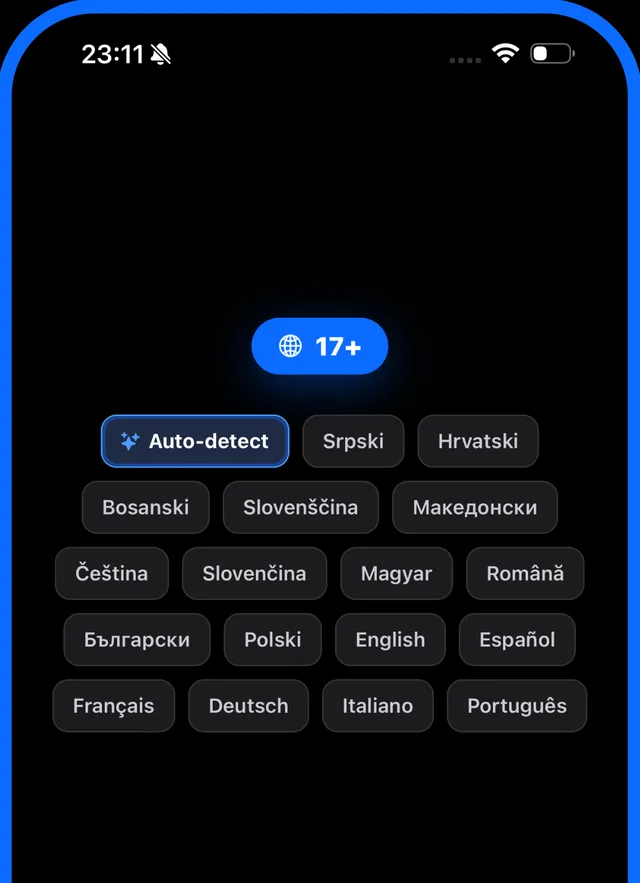
Pick a clip from your library. Confirm the spoken language — or let Captora detect it.
Captions write themselves
AI transcribes your speech and syncs every word to the audio, so captions land on the beat.
Style it and export
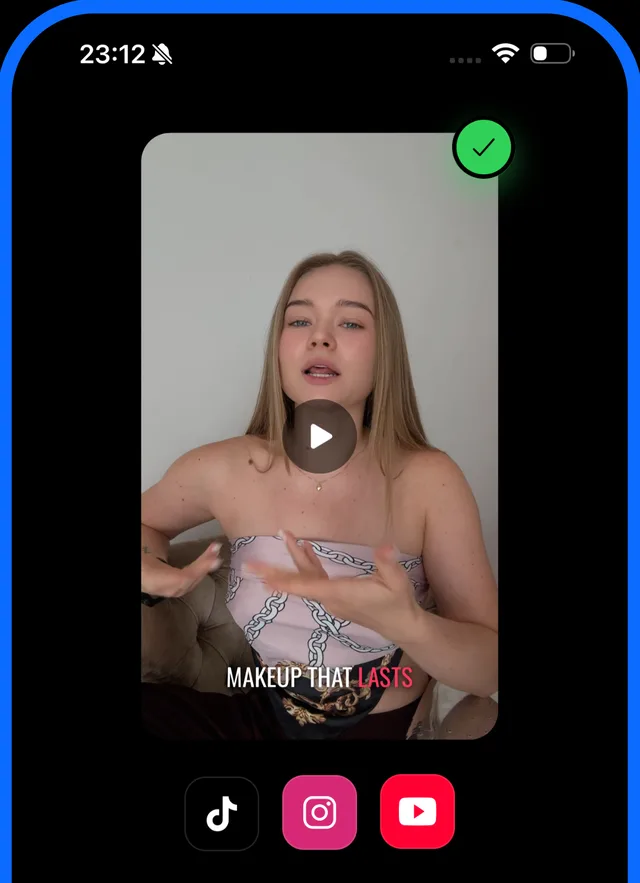
Pick a template, tweak any word, drag it anywhere. Export with the captions burned in.
What you get
Word-perfect timing
Every word is timestamped against the audio — no dragging keyframes, no guessing.
52 ready-made templates
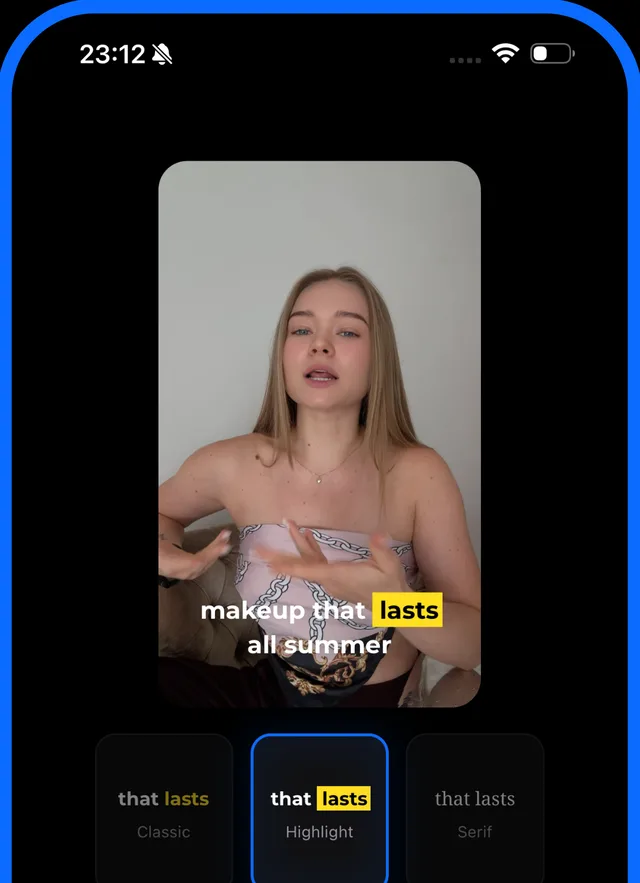
From clean and editorial to loud and boxed. Tap one and the whole video follows it.
Make it yours
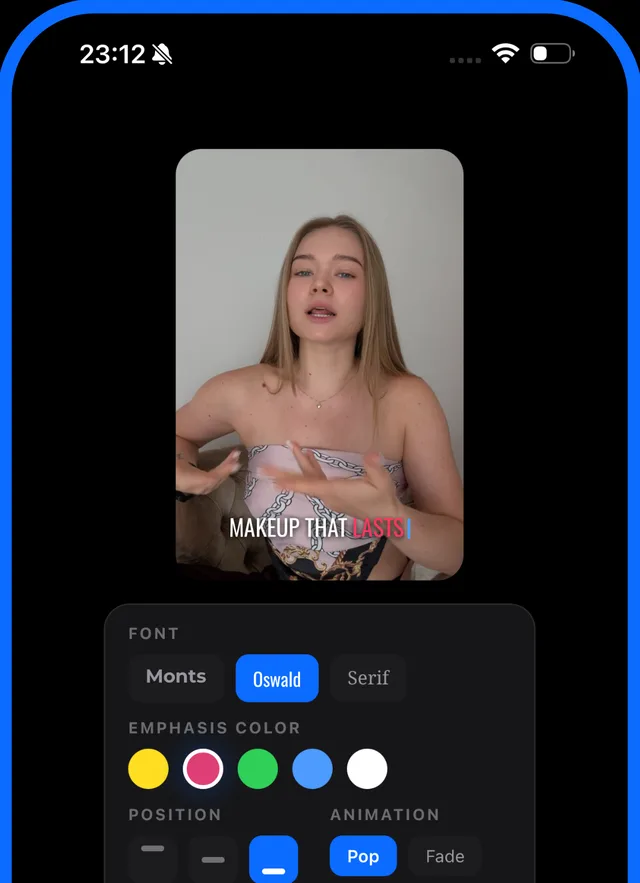
Fonts, colors, outlines, shadows, background boxes, size, spacing, drag-anywhere placement.
Save your look
Build a template once and reuse it on every video, so your clips stay recognizable.
Private by design
Your video never leaves your iPhone.
To write captions, Captora sends only the audio — never the video. It is deleted the moment the transcript comes back, and our transcription provider keeps no copy of it.
Caption in 17 languages
Caption in the language you actually speak.
Plans
Start free. Go Pro when you need more.
- Every style, template and language
- 60 minutes of transcription a month
- Exports at 720p
- Small Captora watermark
- Auto-captioning without the 60-minute monthly limit
- Full-resolution export — exactly as you shot it
- No watermark
- Everything in Free
Captora Pro is an auto-renewing subscription. It renews unless cancelled at least 24 hours before the end of the current period. Manage or cancel any time in your App Store account settings.